20+ Freelancer Schedule Ideas: Save Time and Get Paid Faster


For the first year of freelancing I did not have a schedule. I had a laptop, a couch, and a vague sense of dread that started around 4pm every day when I realized I had answered emails but done zero of the actual work I was paid for.
It was not sustainable and it was definitely not a system.
My brother Theo, who has been freelance longer than me, finally sat me down and asked what my mornings actually looked like. I could not answer him. That was the problem right there.
So here are twenty ways to build a day that does not fall apart by lunchtime, pulled from what has actually worked for people I know and people I have read about obsessively for weeks.
20 Ways to Structure a Freelance Day That Sticks
1. Start With One Non-Negotiable Hour


- Protects deep work first
- 1 hour block
- before email
- no phone
I pick one hour, usually right after I sit down, where I am not allowed to open email or Slack. Just the one task that actually matters that day.
It sounds small but it is the single biggest thing that changed how much I get done.
Theo does the same thing but calls it his “quiet hour” and gets genuinely annoyed if a client calls during it. I have started doing the same, and honestly it works.
2. Batch Your Admin Into One Afternoon


- Keeps admin from leaking everywhere
- Fridays
- 2-3 hours
- invoices and emails
Invoices, emails, scheduling calls, all of it goes into a Friday afternoon block for me. Before I did this, admin was eating little chunks out of every single day and I never noticed until the week was gone.
Read also: 20 Tea at Work Ideas That Make the 3pm Slump Bearable
3. Keep a Freelance Business Checklist Somewhere You Actually See It


- Catches the boring stuff
- Weekly review
- 15 minutes
- pen and paper works fine
I built myself a freelance business checklist years ago after I forgot to send a contract to a client twice in one month. Twice! It just sits taped to the wall by my monitor now, invoicing, taxes set aside, contracts signed, and I run through it every Monday.
It is not fancy. Mine is honestly a little coffee-stained at this point. But it catches the stuff my brain drops the second I get busy.
4. Give Yourself a Real Lunch Break, Away From the Desk


- 30 minutes, no exceptions
- Away from screen
- same time daily
I eat at my desk more than I would like to admit, but on the days I actually move to the kitchen table for lunch, the second half of my day is noticeably better. Less foggy.
My neighbor Marlene does not even own a desk chair that faces her computer during lunch, she physically turns it around, which I think is a little extreme but also kind of genius.
Read also: 20 Lunch Walk Ideas to Break Up Your Workday
5. Theme Your Days Instead of Your Hours
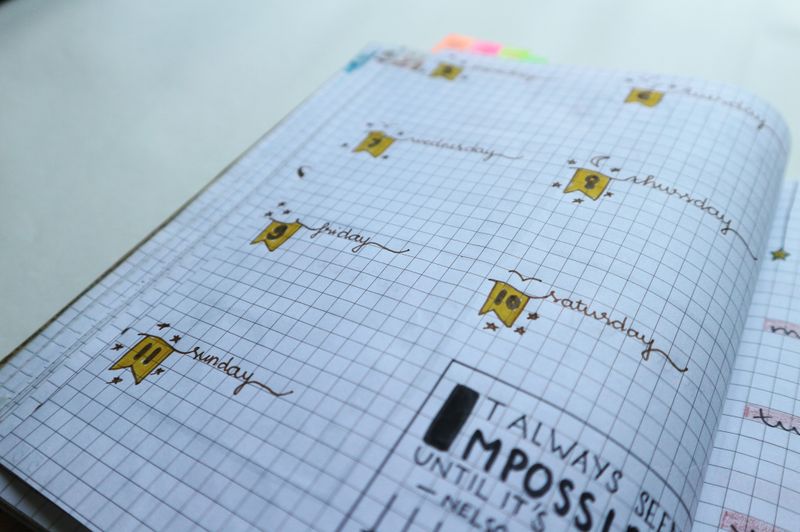

- Fewer decisions per morning
- Client work Mon-Wed
- admin Thu
- pitching Fri
Instead of trying to do a little of everything every day, I dedicate whole days to one kind of task. Client work early in the week, pitching new work on Fridays.
It cuts down on the decision fatigue of “what should I even be doing right now.”
6. Set a Hard Stop Time, Even If Nobody Is Making You


- Prevents the slow creep into evening
- Same time daily
- alarm set
Nobody tells a freelancer to clock out. That is the whole problem.
I set an alarm for 6pm and when it goes off I close the laptop, even mid-sentence sometimes, because otherwise “just one more email” turns into three more hours.
7. Use a Business Planner Organization Method That Fits How You Actually Think
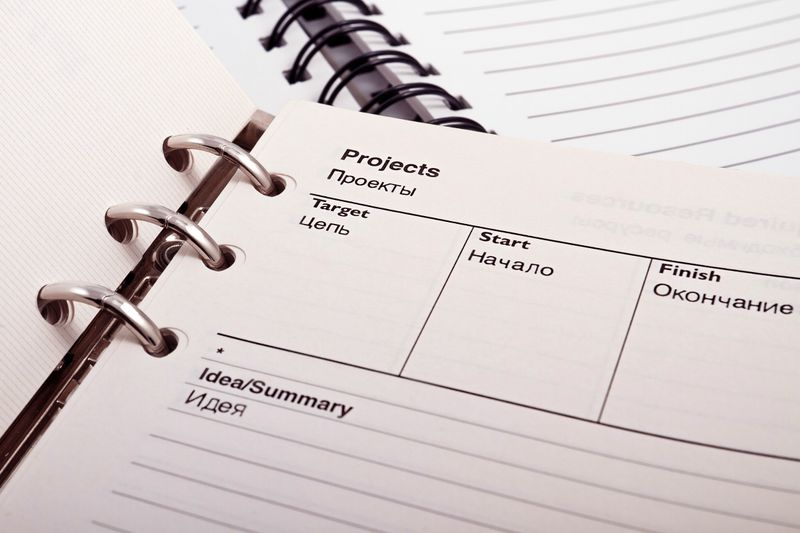

- One place for everything
- Weekly spreads
- monthly overview
- client tabs
I tried three different digital apps before I gave up and just bought a physical planner, and honestly the business planner organization system I landed on is embarrassingly low tech, tabs for each client, a monthly spread for deadlines, done. Tessa uses a fully digital version and swears by it, so I think this one really is a personal preference thing.
8. Block Time for Nothing on Purpose
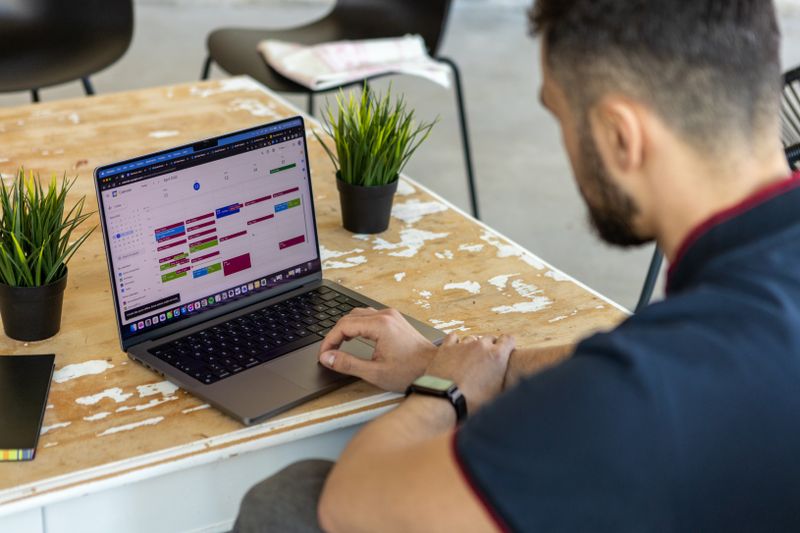

- Absorbs the unexpected
- 1-2 hours weekly
- buffer only
I leave an unlabeled block on my calendar most weeks because something always comes up, a client wants a call moved, a file gets corrupted, whatever. Having that buffer already there means my whole week does not collapse when it happens.
9. Move Your Hardest Task to Whenever You’re Actually Sharp


- Works with your energy, not against it
I am useless after 2pm. Genuinely, my brain just checks out.
So the hardest writing goes in the morning and the easy stuff, replying to comments, light edits, gets pushed to the afternoon slump. Took me way too long to notice this pattern about myself.
10. Set Up a Craft Room Office Combo Ideas Space If You’re Short on Rooms

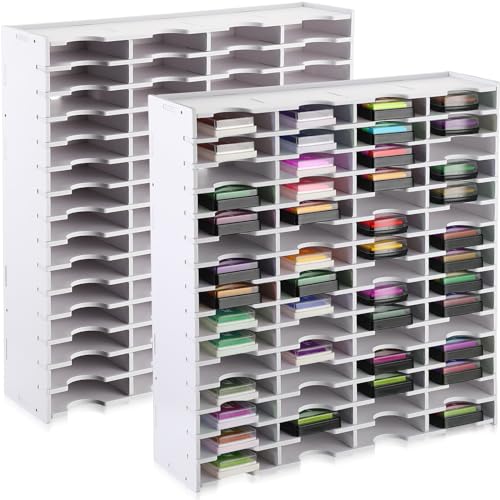
- Splits the room without walls
- One weekend project
- under $150
- shelving and a curtain
I only have one spare room, so I turned it into a bit of both. If you are hunting for craft room office combo ideas because you are also tight on space, a rolling cart is honestly the whole trick, my desk stays desk-shaped and the ribbon and paint supplies live on wheels so I can push them out of frame during calls.
Nora did something similar in her place but used a curtain instead of a cart to divide the space. Cheaper, and it actually looks nice in photos.
11. Keep a Running “Waiting On” List


- Stops things falling through the cracks
- 5 minutes daily
- sticky note or app
Every invoice pending, every client who owes me a file, every proposal sitting unanswered, it all goes on one list. I check it every morning.
Before this I would just sort of remember things badly and chase people at random.
12. Try Time Blocking, But Loosely


- Structure without the guilt
- 30 minute buffer between blocks
I tried strict time blocking for about a month and it made me miserable, honestly, because I felt like a failure every time a block ran long. Loose time blocking with buffers built in works so much better for how my brain actually operates.
13. Pick One Day for Networking and Outreach


- Keeps the pipeline moving
- Wednesdays
- 1 hour
- emails and messages
New work does not just show up. I set aside one hour on Wednesdays for outreach, checking in with old clients, sending a message to someone whose work I admire.
It feels awkward every single time and I do it anyway.
14. Build in a Weekly Review of What Actually Got Done
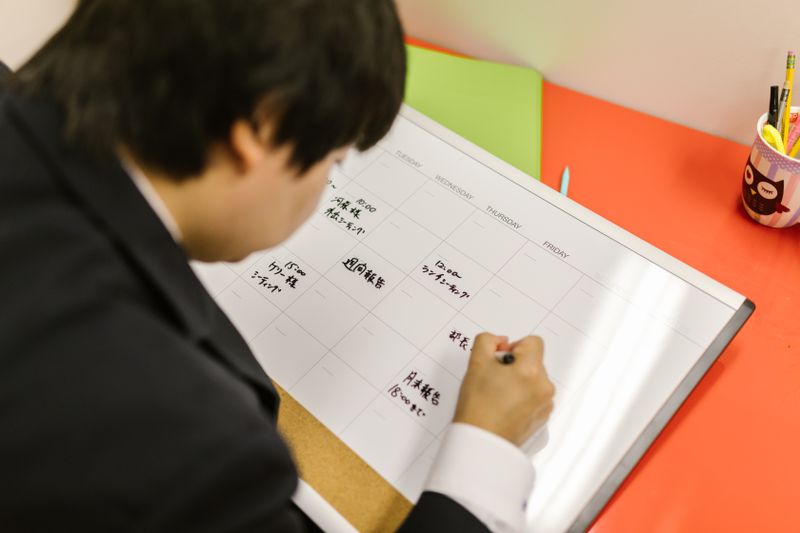

- Honest, not aspirational
- Friday afternoon
- 10 minutes
Fridays I write down what I actually finished, not what I planned to finish. The gap between those two things used to depress me.
Now it mostly just informs how I plan the next week, which is a healthier way to use the information.
15. Separate “Client Hours” From “Business Hours”


- Two different jobs, same person
Working for clients and running my business are two different jobs and I used to conflate them constantly. Marketing myself, bookkeeping, learning new skills, that is business time, separate from the actual paid work.
Splitting them mentally helped more than I expected.
16. Try a Four Day Work Week If Your Clients Allow It


- Requires upfront planning; not for every client load
Tessa has been doing this for two years, four longer days and a Friday off, and swears her output did not drop at all. I have not managed it myself yet, my client mix makes it tricky, but I think about it more than I probably should.
17. Set Up Home Business Organization Ideas Around Your Actual Habits, Not Pinterest


- Function over aesthetics
- Half day setup
- labeled bins
I spent way too long trying to make my home office look like a magazine spread before I realized the home business organization ideas that actually stuck were the ugly practical ones, a labeled bin for tax receipts, a folder per client, nothing photogenic about any of it.
18. Give Yourself a Shutdown Ritual, Even a Small One


- Signals to your brain the day is over
I close every tab, write tomorrow’s first task on a sticky note, and shut the laptop lid all the way. Takes maybe two minutes. Without something like this I would just keep half-thinking about work into the evening, which defeats the entire point of having a schedule at all.
19. Schedule Breaks Like They’re Meetings


- Otherwise they get skipped
- 15 minutes
- every 90 minutes
If a break is not on the calendar, I skip it, every time, without fail. So now it goes on there just like a client call would.
It feels silly to schedule a walk around the block but it is the only way it actually happens.
Read also: 20 WFH With Kids Tips That Actually Get You Through the Day
20. Revisit the Whole Schedule Every Few Months
- What worked in January might not in June
My schedule now looks nothing like it did a year ago, and that is fine. I sit down every few months and ask what parts feel forced versus what parts feel automatic, and I adjust from there.
Freelancer schedule ideas that work in a slow season can fall apart completely once three clients need things at once, so I try not to get too attached to any one version.