20 Digital Detox at Work Ideas That Actually Stick
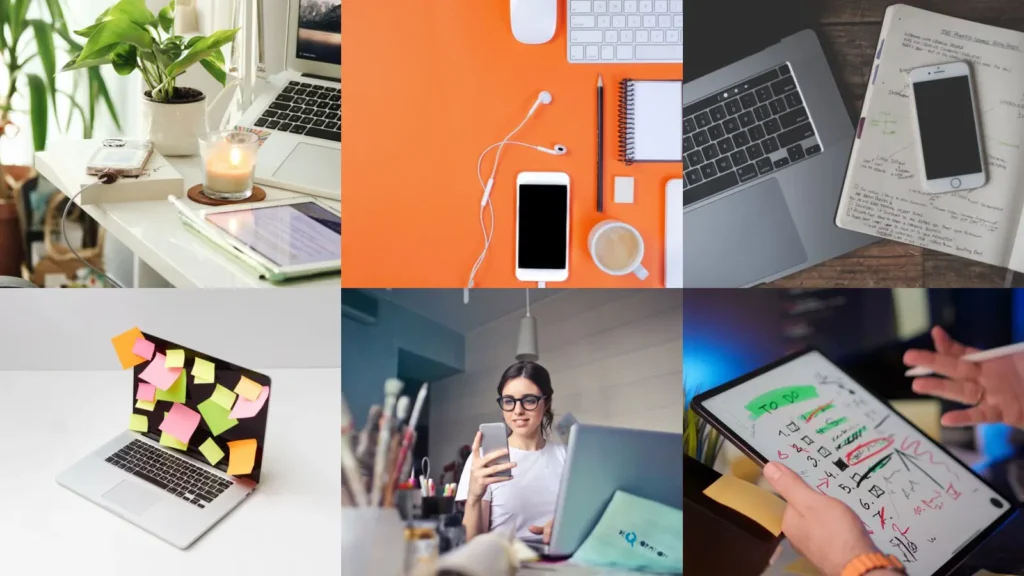

My phone buzzed forty-one times before 10am last Tuesday. I counted, out of morbid curiosity, and then immediately regretted counting because now I had a number attached to a habit I would rather not examine too closely.
I have spent the last few weeks reading through what other people, way more disciplined than me, actually do to keep their workday from turning into one long scroll interrupted by the occasional spreadsheet.
So here are twenty digital detox at work ideas, some tiny, some a bit more involved, none of them requiring you to quit your job and move to a cabin.
20 Ways to Actually Log Off at Your Desk
1. The Phone-in-a-Drawer Rule

- Costs nothing to try
- No app
- instant setup
You need: a drawer, willingness
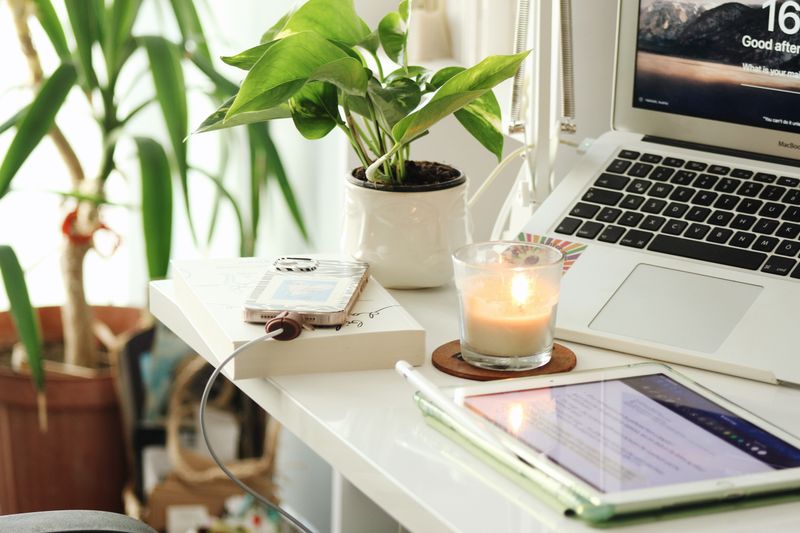
This is the simplest one on the list and also the one I resist the most. Phone goes in the drawer, not on the desk, not face down next to the keyboard where you can still see it light up out of the corner of your eye.
My brother Theo does this and says the first three days felt like withdrawal and then it just became normal Tuesday behavior.
2. A Phone Free Lunch, On Purpose

- Actually tastes your food
- No timer needed
- works solo or with coworkers
Of all the phone free lunch ideas I have come across, the one that stuck with me is embarrassingly basic: leave the phone at your desk when you go eat. Just physically walk away from it.
I tried this with Tessa once and we ended up talking for forty minutes instead of both staring down at our screens mid-conversation, which happens more than either of us likes to admit.
3. The Analog Notebook Comeback

- Nothing to notify you
- Under $10
- no charging required
You need: notebook, pen
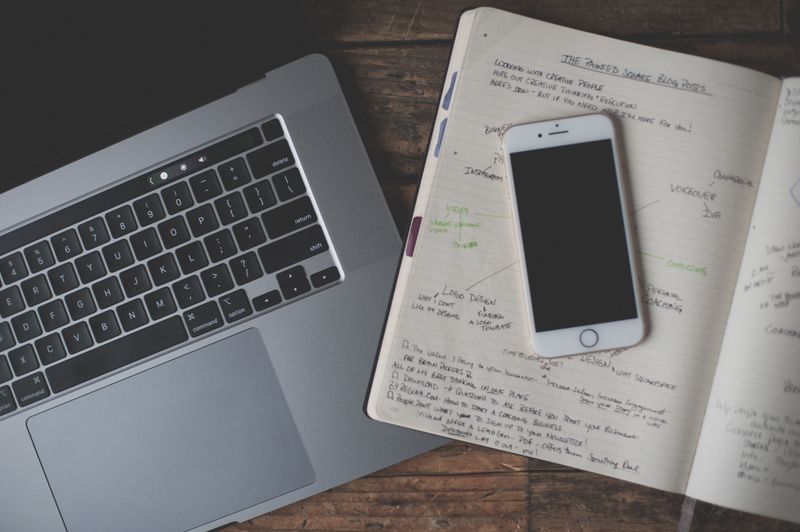
A paper to-do list cannot ping you. It cannot show you a badge with a red number on it.
My mom has used the same kind of spiral notebook for her lists for years, and I used to think it was old-fashioned until I tried it myself for a week and noticed how much calmer my desk felt without a second glowing rectangle competing for attention next to my laptop.
4. Grayscale Your Home Screen

- Makes apps boring on purpose
- Built into most phones
- free
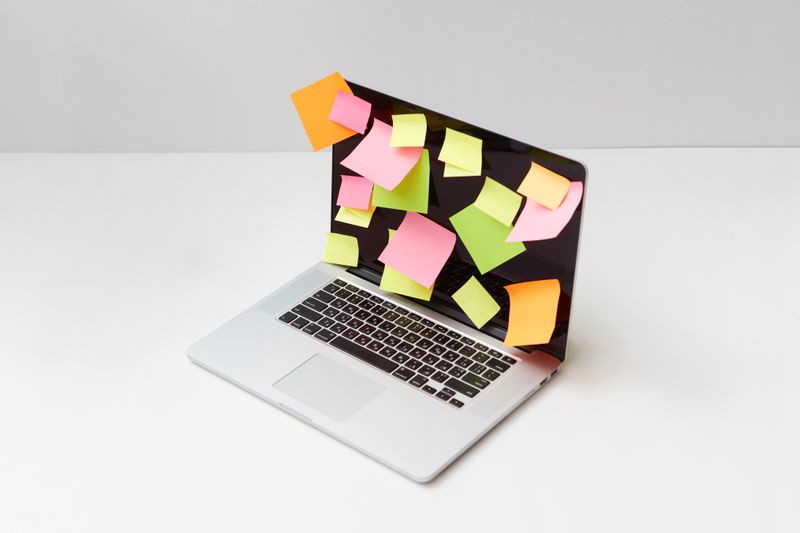
Turning your phone screen gray, no color at all, sounds like a small thing but it genuinely dulls the pull of app icons that were designed by very smart people to be as visually tempting as possible. It is one of the better focus app alternatives ideas I have found precisely because it requires no app at all, just a settings toggle.
5. Set a Landline-Only Hour


- Old technology, new purpose
- One hour blocks
- works best mid-morning
If your office still has a desk phone, use it. Pick one hour where your cell stays in a bag and anyone who needs you calls the desk line.
This will not work everywhere, obviously, but for the offices that still have that ancient beige phone sitting there unused, it is basically free real estate for a detox hour.
6. Walk the Building, No Headphones

- Free and instant
- 5 to 10 minutes
- no equipment
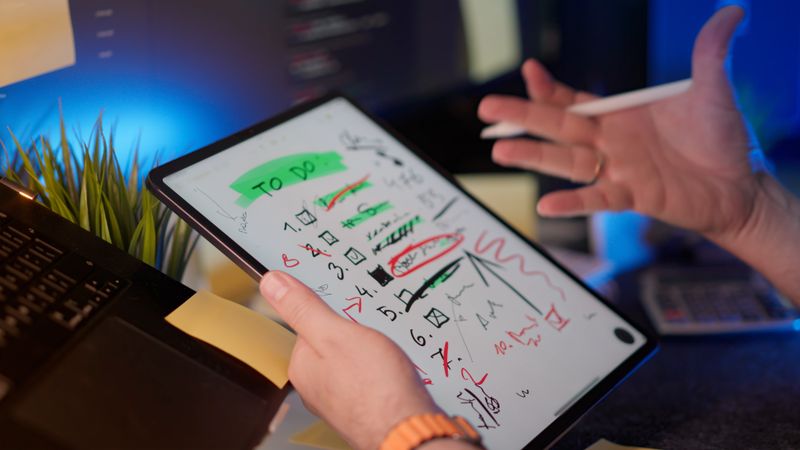
No podcast, no music, no phone in hand. Just walk a loop around the floor, or outside if you can.
I do this most afternoons around 2pm because that is when my brain starts to feel like static, and something about the quiet resets it faster than scrolling ever does.
7. The One Tab Rule
- Forces actual focus
- No cost
- takes discipline
I have, at times, had twenty-three tabs open, which is a personal record I am not proud of. Closing everything except the one thing you are actually working on is brutal for about ten minutes and then oddly freeing.
Marlene, my neighbor, does this at her job and says she gets more done by 11am than she used to by lunch.
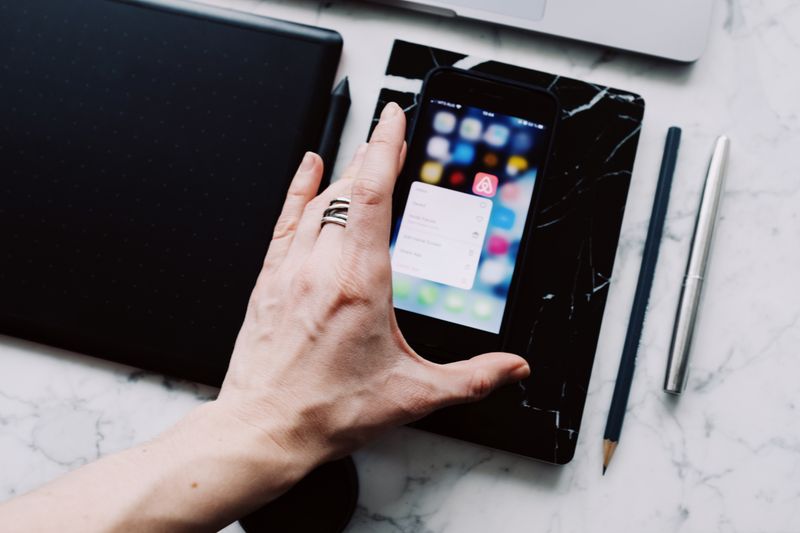
8. Batch Your Notifications

- Checks in on your terms
- Set twice daily
- built into most phones
Instead of letting notifications ping all day, set them to deliver in two batches, say 11am and 3pm. Everything else waits.
It took me a week to trust that nothing urgent would slip through, and honestly nothing ever did.
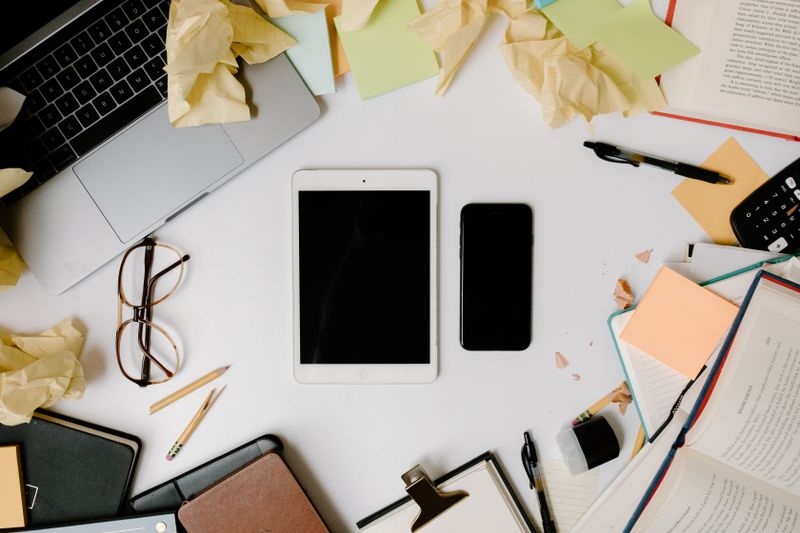
9. A Real Screen Break, Away From the Desk
- Eyes off every screen
- 10 minutes
- no devices at all
Among the screen break ideas work culture actually makes room for, this one requires the most willpower because it means putting down the phone too, not just the laptop. Sit somewhere with a window.
Stare at something that is not backlit. It sounds almost silly to write down as advice, and yet I forget to do it most days.
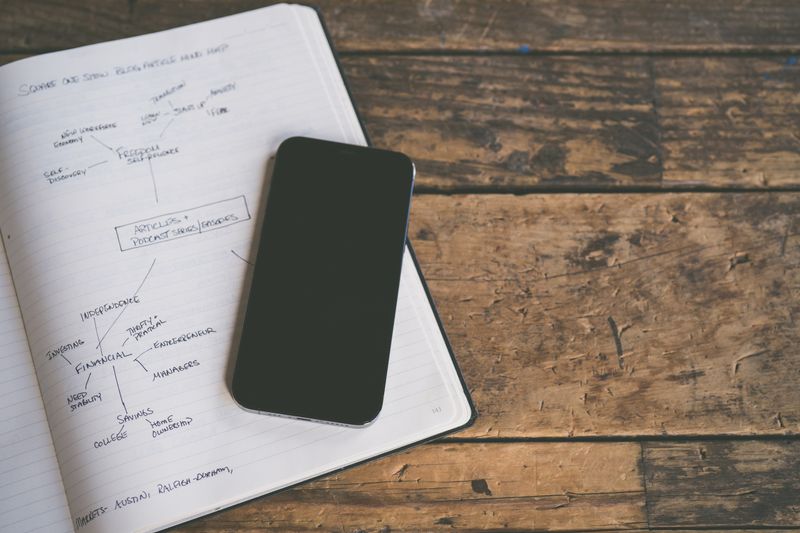
10. Print the Long Documents
- Reading without a scroll bar
- Uses office printer
- a few cents per page
Reading a long report on paper instead of scrolling through it on a screen changes how you engage with it. I print things now that I never used to, and I catch more mistakes doing it this way, though I will admit the recycling bin fills up faster than it used to.
11. The Sunday Night Inbox Reset

- Starts Monday calm
- 15 minutes
- weekly habit
Fifteen minutes on Sunday evening, sorting the weekend’s inbox pile so Monday morning does not start with a screen full of red numbers. I do this with a podcast on and it barely feels like a chore anymore.
12. Build a Deep Focus Ritual Before the Hard Task

- Signals your brain to switch
- 2 to 5 minutes
- repeatable daily
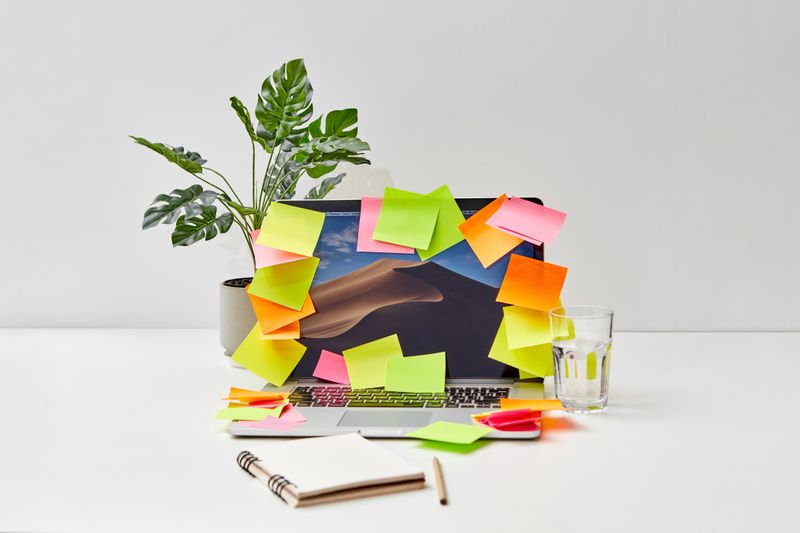
Among the deep focus ritual ideas I have picked up, the one that actually works for me is small and almost silly: I close my laptop lid completely, pour a glass of water, and open it back up only once I have decided what the next forty minutes are actually for. It sounds too simple to matter but it works more often than I expect it to.
13. Silence the Watch, Not Just the Phone

- Closes the last loophole
- One setting toggle
- free
I put my phone away and then my watch buzzed anyway, which felt like a betrayal I had not accounted for. If you wear one, silence it too, or the whole exercise is a little pointless.
14. Use a Kitchen Timer, Not an App Timer

- No screen to check mid-task
- Under $10
- battery or wind-up
A physical timer means you cannot glance at your phone to check the countdown and accidentally open three other apps on the way. Tessa keeps one shaped like a tomato on her desk and swears by it, mostly because it is loud enough that she cannot ignore it.
15. Move Your Charger Out of Arm’s Reach
- Adds friction on purpose
- No cost
- requires an extra cable
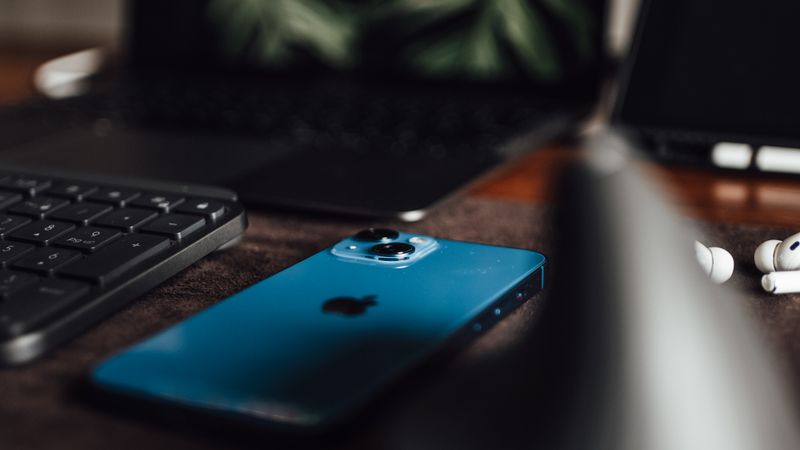
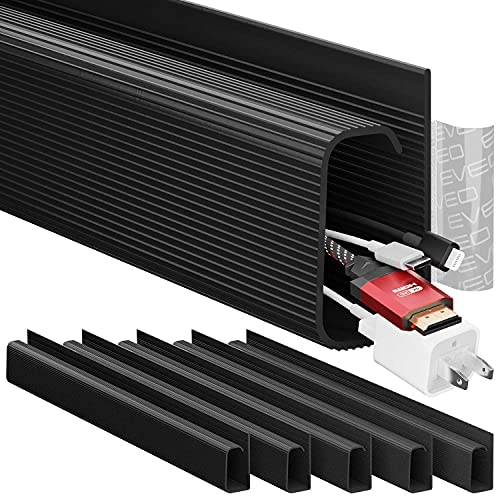
If charging your phone means getting up and walking across the room, you check it less. This is such a dumb little trick and it works better than most of the apps I downloaded and then deleted a week later.
16. Schedule a No-Meeting Focus Block

- Protects one real chunk of time
- 90 minutes
- recurring weekly
Block ninety minutes on the calendar, label it something boring so nobody questions it, and treat it as an actual meeting you cannot skip. I did not think this would hold up against people who ignore calendar blocks entirely, but most people, it turns out, do respect a block that already exists.
17. Eat Away From Your Desk, Even If It’s Just the Break Room


- Separates work from eating
- No cost
- just a change of location
This overlaps a little with the lunch idea above, but the point here is simpler: get away from the desk, even ten feet away, even if the break room chairs are uncomfortable and the coffee machine makes an alarming noise every time someone uses it. The desk is where the screens live. Leave it for a bit.
18. Text Instead of Slack for Small Things

- One less app pulling focus
- No cost
- requires team buy-in
This one only works if your coworkers are on board, but shifting the small, non-urgent chatter to text instead of a work chat app means you are not tempted to open that app and then get sucked into three unrelated channels. It is a small fix and it will not solve everything, but it helps more than I expected.
19. Keep a Physical “Later” List

- Catches the urge to look something up
- One sticky note
- no cost
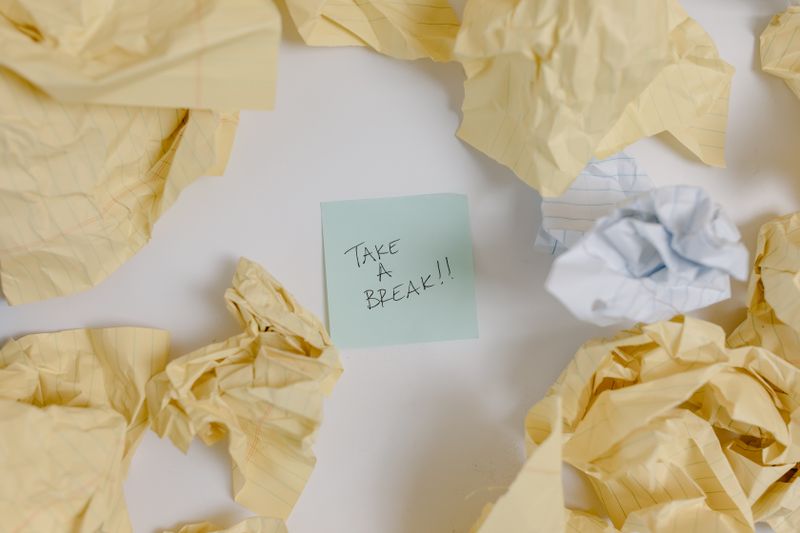
Every time I get the urge to Google something mid-task, unrelated to work, I write it on a sticky note instead of opening a new tab. By the end of the day half the list feels pointless anyway, and the other half I actually look up on my own time, which feels like a fair trade.
20. End the Day With a Shutdown Ritual

- Draws a clean line at 5pm
- 5 minutes
- write one line for tomorrow
Close the laptop, write one line about where you left off, and physically leave the desk. My old habit was checking email one more time on the walk to the parking lot, which defeated the entire purpose of leaving.
I still slip back into it some days, if I am honest, but on the days I actually do the shutdown ritual, the evening feels like it belongs to me instead of to my inbox.
Related stories
- 20 Tea at Work Ideas That Make the 3pm Slump Bearable
- 20 WFH With Kids Tips That Actually Get You Through the Day
- 20+ Freelancer Schedule Ideas: Save Time and Get Paid Faster
- 20 Lunch Walk Ideas to Break Up Your Workday
- 20+ Work from Home Routine Ideas: Create a Routine That Sticks
- 20 Internship Tips First Day Nerves Actually Need